Amazon Simple Email Service (Amazon SES) is a cloud-based email platform from AWS that lets businesses send marketing, transactional, and notification emails at scale. It handles deliverability, manages bounces and complaints, and works with other AWS services — all at a fraction of what traditional email infrastructure costs.
Sending bulk emails is hard. Campaigns land in spam. Transactional messages get delayed. Bounce rates creep up. Amazon SES fixes these problems with pay-as-you-go pricing starting at $0.10 per 1,000 emails. This guide covers how SES works, what it costs, and how to set it up.
Understanding Amazon SES
Amazon SES is a backend email service built for developers. It sends marketing, notification, and transactional emails without the hassle of running email servers.
SES is not an email client like Gmail or Outlook. It is an API and SMTP service that plugs into your apps, websites, or other AWS services. You send email through code, and SES handles delivery, bounces, and reputation management.
How Amazon SES Works
Amazon SES acts as a mail transfer agent (MTA) that routes emails to recipients. You connect through SMTP or the SES API. From there, SES handles delivery, bounces, complaints, and analytics.
SES works with other AWS services like EC2, Lambda, and S3. You can trigger emails from user actions, store templates in S3, or use Lambda to process incoming messages. For campaigns across multiple channels, AWS offers Amazon Pinpoint as a higher-level tool.
SES scales on its own. A startup sending a few hundred emails per month and an enterprise sending millions use the same service. It supports both HTML and plain text.
SES includes domain verification and email authentication out of the box. It supports DKIM (DomainKeys Identified Mail) and SPF (Sender Policy Framework). These protocols help ISPs trust your emails and keep them out of spam folders. You can also use dedicated IP addresses to build your own sender reputation.
Key Features of Amazon SES
Here are the features that set Amazon SES apart from other email services.
High Deliverability
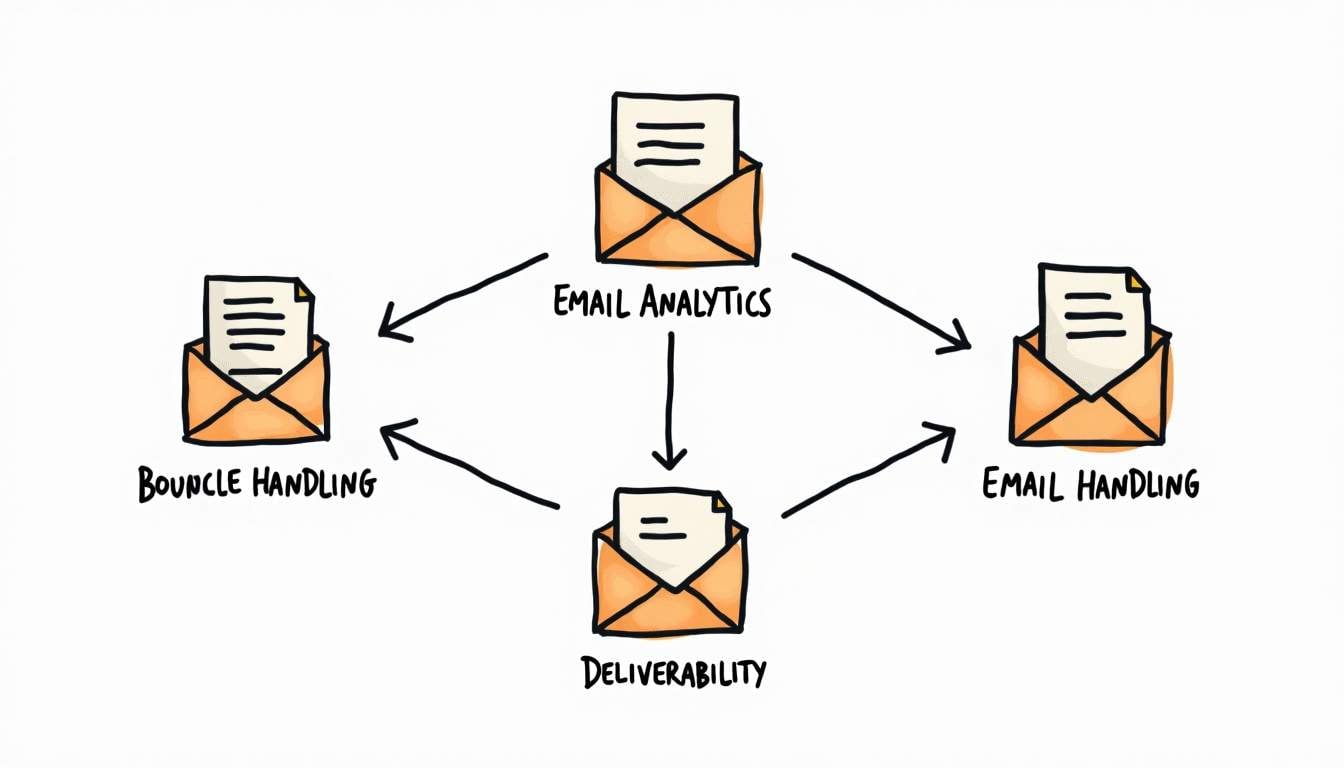
Amazon SES uses dedicated IP addresses, domain authentication, and reputation management to keep your emails out of spam folders.
It connects to ISP feedback loops. Bounces and complaints show up in real time. This helps you keep a strong sender reputation.
Scalability and Flexibility
SES scales from hundreds of emails per day to millions. You do not need to set up extra servers. It adjusts to your volume on its own.
You can send through SMTP, AWS SDKs, or the SES REST API. This makes it easy to add SES to almost any stack.
Cost-Effectiveness
Amazon SES uses pay-as-you-go pricing with no upfront fees. If you send from an EC2 app, the first 62,000 emails per month are free. After that, you pay $0.10 per 1,000 emails. See the full breakdown in the Amazon SES Pricing section below.
Security and Compliance
SES encrypts emails in transit with TLS. You can set IAM policies to control who sends through your account.
SES also supports DMARC, SPF, and DKIM to prevent spoofing and phishing. It meets the standards that regulated industries like healthcare and finance require.
Inbound Email Processing
Amazon SES can receive emails too. You can store incoming messages in S3, trigger Lambda functions, or route them to Amazon SNS for pub/sub notifications. To see how SNS fits with other AWS messaging services, read our AWS SNS vs SQS vs EventBridge comparison.
SES works well for email-based workflows like ticketing systems, customer support, or lead capture.
How to Get Started with Amazon SES
Setting up Amazon SES takes four steps.
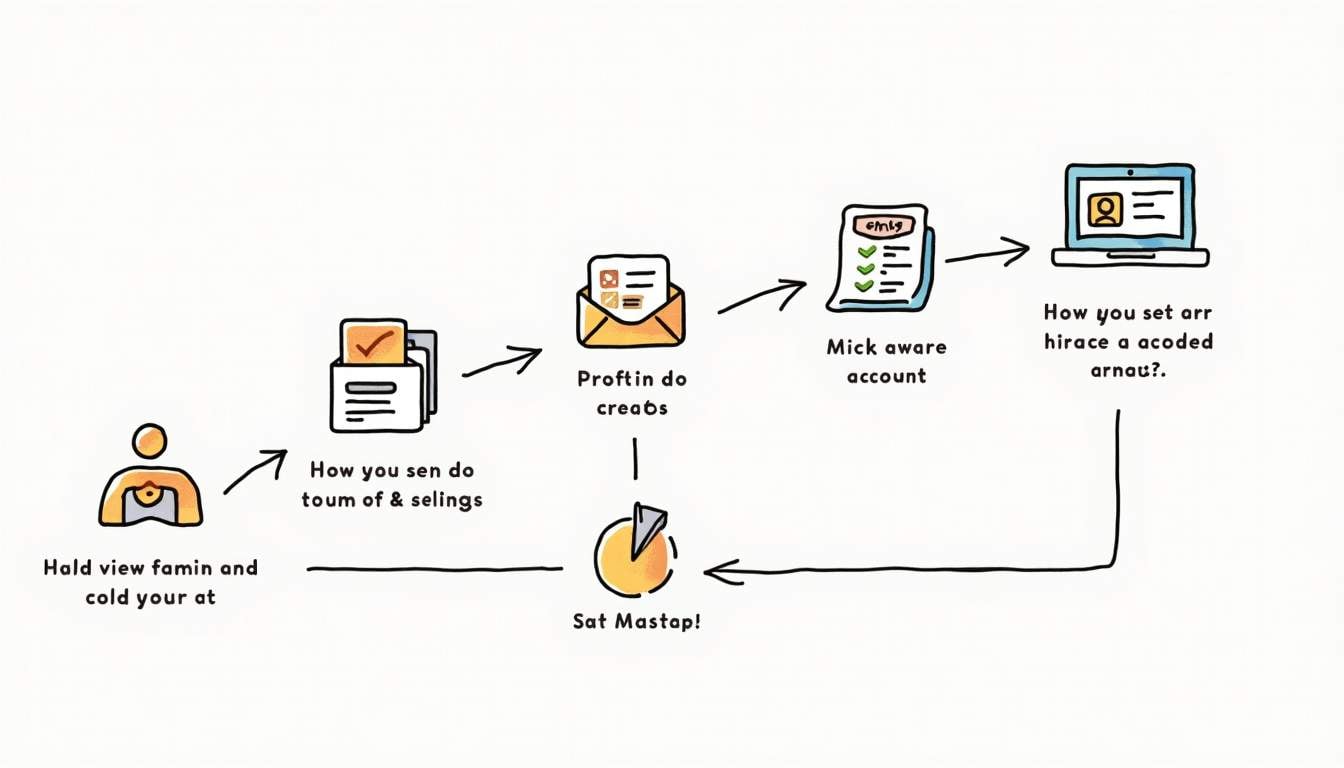
Step 1: Create and Verify Your Identity
Before you send emails, verify your domain or email address. This proves to SES that you own the sending identity and helps stop spoofing.
Domain verification means adding DNS records (TXT or CNAME) to your domain settings. Once verified, you can send from any address on that domain.
Step 2: Request Production Access
New Amazon SES accounts start in a sandbox. The sandbox limits how many emails you can send and only allows sending to verified addresses. To remove these limits, request production access through the AWS console.
Approval usually takes a day or two. AWS will ask about your use case and how you plan to follow their email policies.
Step 3: Set Up Email Sending
Once verified and approved, you can start sending. Pick SMTP or API:
- SMTP: Set up your app or email client with the SMTP credentials from SES.
- API: Use AWS SDKs or REST APIs to send emails from code. This gives you more control and features.
Many email marketing platforms and CRMs also support Amazon SES as a sending backend.
Step 4: Monitor and Optimize
SES tracks delivery rates, bounce rates, and complaint rates through CloudWatch and SES dashboards.
Use this data to tune your content, sending frequency, and recipient lists. Low bounce and complaint rates are key to a healthy sender reputation.
Common Use Cases for Amazon SES
Amazon SES fits many different email workflows.
Transactional Emails
Password resets, order confirmations, and account notifications need fast, reliable delivery. Amazon SES works well for transactional emails thanks to its high deliverability and API access.
Marketing Campaigns
SES supports bulk sending for newsletters, promos, and event invitations. It handles high volumes well and works with tools for subscriber management and audience segmentation.
Bulk Notifications
System notifications, billing reminders, and service updates often need to reach thousands of users at once. SES handles these large-scale sends without delay.
Inbound Email Processing
Support teams can route incoming emails to ticketing systems. Marketing teams can capture leads from email responses. SES handles the receiving and triggers your processing logic.
Amazon SES Pricing
Amazon SES costs $0.10 per 1,000 emails. If you send from EC2, the first 62,000 emails per month are free. There are no monthly minimums or upfront costs.
Sending Costs
| Scenario | Price |
|---|---|
| From EC2 (first 62,000/month) | Free |
| From EC2 (beyond 62,000/month) | $0.10 per 1,000 emails |
| From non-EC2 (all emails) | $0.10 per 1,000 emails |
| Attachments | $0.12 per GB |
Receiving Costs
| Scenario | Price |
|---|---|
| First 1,000 emails/month | Free |
| Beyond 1,000/month | $0.10 per 1,000 emails |
Optional Add-Ons
- Dedicated IP addresses: $24.95/month per IP (recommended for high-volume senders)
- Virtual Deliverability Manager: $0.07 per 100 emails for advanced deliverability insights
- Email templates: Included at no extra cost
At scale, SES is significantly cheaper than alternatives like SendGrid or Mailgun. A business sending 1 million emails per month pays roughly $100 with SES, compared to $400-900 with most competitors.
Tips for Maximizing Amazon SES Effectiveness
Get the most out of SES by focusing on email hygiene and authentication.
Authenticate Your Emails
Set up SPF, DKIM, and DMARC records for your domain. These help ISPs verify your emails and lower the chance of them landing in spam.
Maintain List Hygiene
Clean your email lists often. Remove invalid addresses and inactive subscribers. High bounce rates hurt your sender reputation and lower deliverability.
Monitor Bounce and Complaint Rates
Use SES feedback notifications to track bounces and complaints. Act fast — remove bad email addresses or adjust your content before rates climb.
Use Dedicated IP Addresses if Needed
If you send a lot of email, use dedicated IP addresses. This keeps your sending reputation separate from other users and gives you more control over deliverability.
Test Your Emails
Before launching campaigns, test your emails. Check for spam triggers, rendering issues, and broken links. This helps ensure a smooth experience for recipients.
Potential Limitations and Considerations
Amazon SES is strong, but it has limits worth knowing about.
Learning Curve
If you are new to AWS, SES setup can be tricky. It takes some technical knowledge, especially around DNS and API work.
Limited Built-In Email Design Tools
SES focuses on sending and deliverability, not email design or list management. You will likely need third-party tools or custom code to create and manage email campaigns.
Sandbox Restrictions
New users start in the SES sandbox, which limits sending. Moving to production takes approval. This can take a day or two and requires you to follow AWS policies.
Regional Availability
SES runs in many AWS regions, but not all of them. Pick the right region for your needs. Region choice affects latency and may affect compliance.
What Is amazonses.com?
If you've received an email from an address ending in amazonses.com, it was sent through Amazon SES. The domain amazonses.com is the default return-path domain that SES uses when sending emails on behalf of its customers.
Emails from amazonses.com are legitimate. They come from businesses and applications that use SES as their email delivery service. The sender's "From" address shows who actually sent the email. The amazonses.com address only appears in the email headers as the return-path for bounce handling.
If you're suspicious about an email, check the "From" address rather than the return-path. A legitimate company using SES will have its own domain in the "From" field.
Is Amazon SES Right for You?
Amazon SES works best for developers and businesses already on AWS. It offers high deliverability, flexible APIs, and pricing that undercuts most rivals. Whether you send transactional emails, marketing campaigns, or bulk notifications, SES handles it.
The tradeoff is setup work. SES requires knowledge of DNS, APIs, and AWS IAM. If you want a simpler email service, SendGrid or Mailgun offer more turnkey options at a higher price.
Enhance Your Email Strategy with MagicBell
Amazon SES handles email delivery. But most apps need more than email. Users expect push notifications, in-app messages, SMS, and Slack updates too.
MagicBell works with Amazon SES and adds web push, mobile push, in-app inbox, and more — all through one API. Instead of building separate pipelines for each channel, you manage everything from one platform. Get started for free.