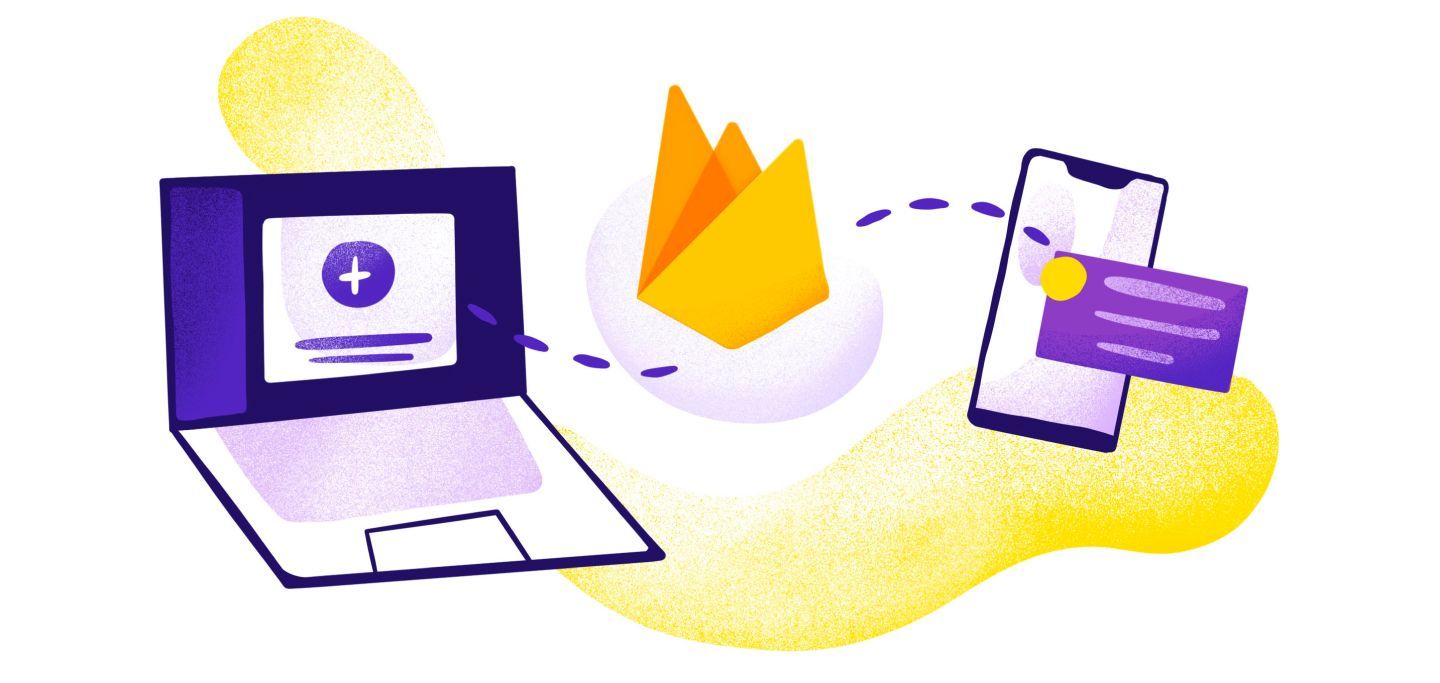
Firebase Cloud Messaging (FCM) is Google's free, cross-platform service that lets developers send push notifications and data messages to iOS, Android, and web apps. It replaced Google Cloud Messaging (GCM) and delivers messages without keeping a constant connection open, which saves battery life and keeps performance fast.
FCM is a cross-platform messaging service that lets developers send notifications to user devices. Google originally built it as Google Cloud Messaging (GCM). Later, they folded it into the Firebase suite and added new features along with tighter ties to other Firebase tools. If you used Google Cloud Messaging before, FCM is the service that replaced it.
FCM sends messages without needing a constant connection. This keeps battery use low and performance high. That makes it a great fit for apps that need real-time updates. Its cross-platform design also helps developers reach users on many different devices.
Core Features of FCM
Cross-Platform Support
FCM works with iOS, Android, and web apps. That includes progressive web apps. This lets you use one messaging setup across all your devices and cuts down on development work.
Targeted Messaging
Developers can send messages to:
- Individual devices
- Device groups
- Topic subscribers
This makes it easy to personalize messages and reach the right users.
Reliability and Performance
FCM runs on Google's infrastructure. It offers high delivery rates and low latency. These traits matter most for real-time apps.
Comprehensive Analytics
FCM works with Firebase Analytics. Together, they show you how users behave, how they engage with messages, and how campaigns perform.
What is an FCM Token?
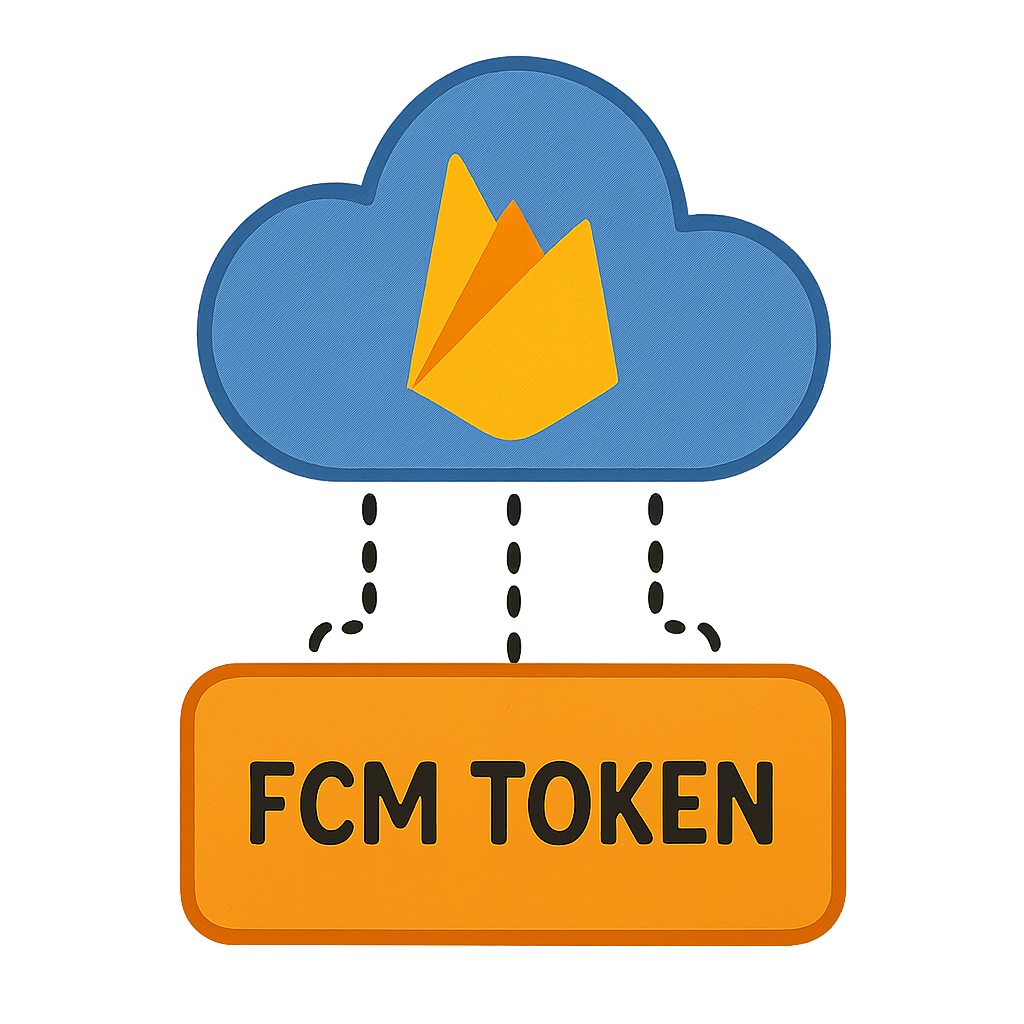
An FCM token is a unique ID tied to each device that registers with Firebase Cloud Messaging. It serves as the address that routes messages to that specific device.
The Role of FCM Tokens
When an app signs up with Firebase, it asks for a token. That token tells FCM where to send messages. It makes sure each message reaches the right device.
Token Lifecycle Management
Token Generation:
This happens when the app first registers with FCM. It opens the communication channel between the app and Firebase.
Token Refresh:
Tokens refresh from time to time to stay secure. When a token changes, developers must send the new token to their server. If they skip this step, messages may not arrive.

Integrating FCM into Your Applications
Follow these steps to add Firebase Cloud Messaging to your app:
Step 1: Set Up a Firebase Project
Create a project in the Firebase console. This project acts as your hub for all Firebase services.
Step 2: Add Firebase SDK to Your Application
- For Android: add Firebase SDK via build.gradle.
- For iOS: integrate via CocoaPods.
Step 3: Register the Application with FCM
Start Firebase in your app and request an FCM token. This token lets your app talk to Firebase.
Step 4: Configure Message Handling
Write logic to handle incoming messages. You can show notifications, update content, or trigger actions.
Step 5: Send Messages
Use the Firebase console or server-side APIs to send notifications and data messages. Tailor them to fit your app's needs.
Best Practices for Using FCM
Optimize Token Management
Make sure your app handles token refreshes on its own. It should also update your server with each new token right away.
Leverage User Segmentation
Use FCM's targeting tools to send messages that match each user's interests. This helps boost engagement.
Monitor Performance
Review message delivery reports and engagement metrics on a regular basis. Use the data to sharpen your messaging strategy.
Challenges and Solutions in FCM Integration
Challenge: Token Management Complexity
Large apps may need to track millions of tokens. That can get hard to manage.
Solution:
Set up automatic token refresh. Keep a clean, up-to-date list of active tokens at all times.
Challenge: Message Overhead
Sending one message at a time to a large user base can slow things down.
Solution:
Use topic messaging instead. It sends one message to every subscriber of a topic. This cuts overhead and speeds up delivery.
Related Firebase Cloud Messaging Guides
Ready to add FCM to your app? Check out these step-by-step tutorials:
- How to Use Firebase to Send Push Notifications - Step-by-step guide to setting up FCM from scratch.
- Web Push Notifications - Deliver notifications directly to browsers without needing a native app.
- Firebase Cloud Messaging in Flutter - Complete guide for Flutter developers implementing FCM.
- React Native Push Notifications with Firebase - Mobile implementation guide for React Native developers.
- Firebase Cloud Messaging with Expo - Integration guide for Expo-based mobile apps.
- Firebase Cloud Messaging Alternatives - Compare FCM with other push notification services.
Conclusion
Firebase Cloud Messaging is a strong tool for keeping users engaged. Learn its core features, follow best practices, and tackle common issues head-on. This will help you get the most out of FCM. As real-time communication grows more important, FCM gives you the flexibility and scale your app needs to succeed.