Test Web Push Notifications
Send a test notification using the Web Push API. Ready to add Web Push to Your App? View the Web Push Provider Docs.
Web Push Notifications have a lot of moving parts. Service Workers, Vapid Keys, and Push Managers are just the tip of the iceberg. Use the button below to test if your browser is able to receive Web Push notifications. The Console below taps into some of the events the MagicBell SDK emits.
Enable Browser Notifications
Our SDK automatically registers a service worker. When you click the button, your browser will ask if you want to "Allow Notifications", after which a Channel Token will be sent to MagicBell.
Send Notifications
Send yourself some notifications with the "Create Broadcast" button. If the button above is green, your browser should show them to you. You can disable the Web Push notifications again by clicking the button above.
Add Web Push to Your App
MagicBell handles service workers, VAPID keys, and cross-browser compatibility so you can focus on building your product.
Web Push Notification ServiceFrequently Asked Questions
How do I test web push notifications?
Click the Enable Web-Push Notifications button above to grant permission and register a service worker. Once enabled, use the Create Broadcast button to send yourself a test notification. The console below shows real-time events from the MagicBell SDK.
What browsers support web push notifications?
Chrome, Firefox, Edge, and Safari (macOS Ventura+ and iOS 16.4+) all support web push notifications. Safari on iOS requires the website to be added to the home screen as a Progressive Web App.
Do web push notifications work on iOS?
Yes, since iOS 16.4. Users must add your website to their home screen as a PWA, then grant notification permission. Safari on iOS uses the standard Web Push API, the same as other browsers.
Web Push Notifications, Explained
A collection of blog posts to help you master Web Push notifications and integrations.
While you're here...
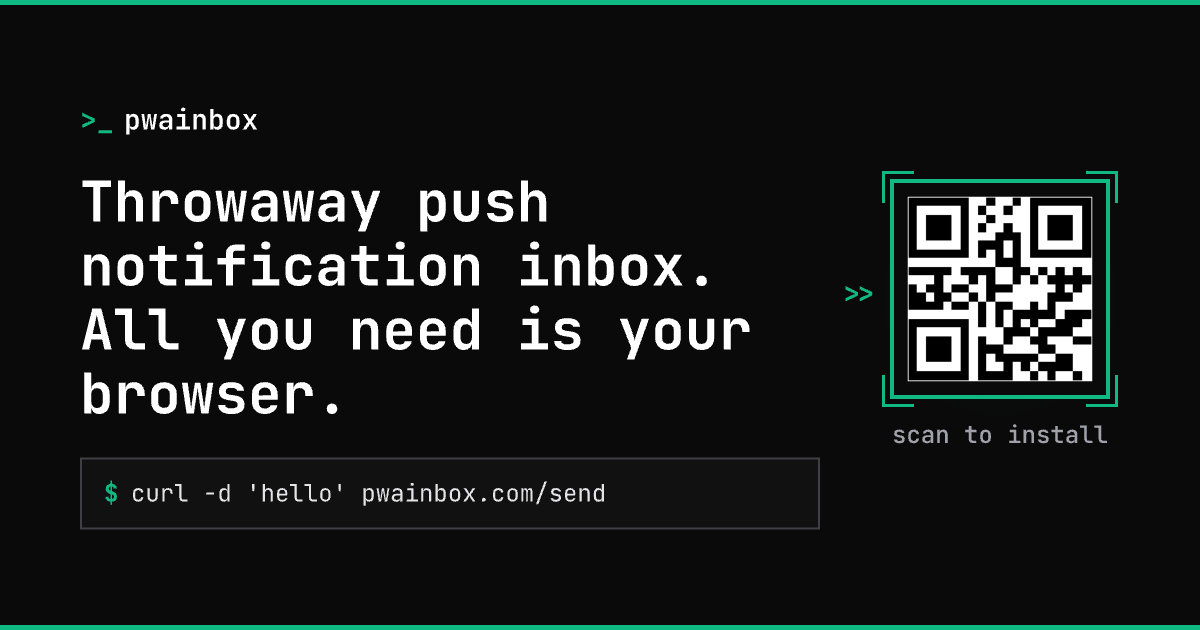
Check out our new PWA Inbox — a throwaway push notification inbox you can install as a PWA on any device.