
Open source webhook management tools let you receive, route, and retry HTTP callbacks without paying for a hosted service. They give your team full control over delivery logic, error handling, and security, while letting you self-host, customize retry behavior, and avoid vendor lock-in.
Your apps need to share data in real time. Webhooks make that happen by pushing updates the moment an event occurs. No polling. No delays. But managing webhooks at scale gets tricky fast.
Open source tools solve this problem without locking you into a vendor. You get full access to the code, pay nothing for licenses, and can adapt the tool to your stack. Teams that care about control and cost savings benefit the most.
Picking the right tool saves you weeks of work. It keeps your team moving and your integrations running. This guide walks through the best open source options so you can choose with confidence.
Read on to see how these tools can improve your workflow and help your team ship faster.
Understanding Webhook Management: Why It Matters
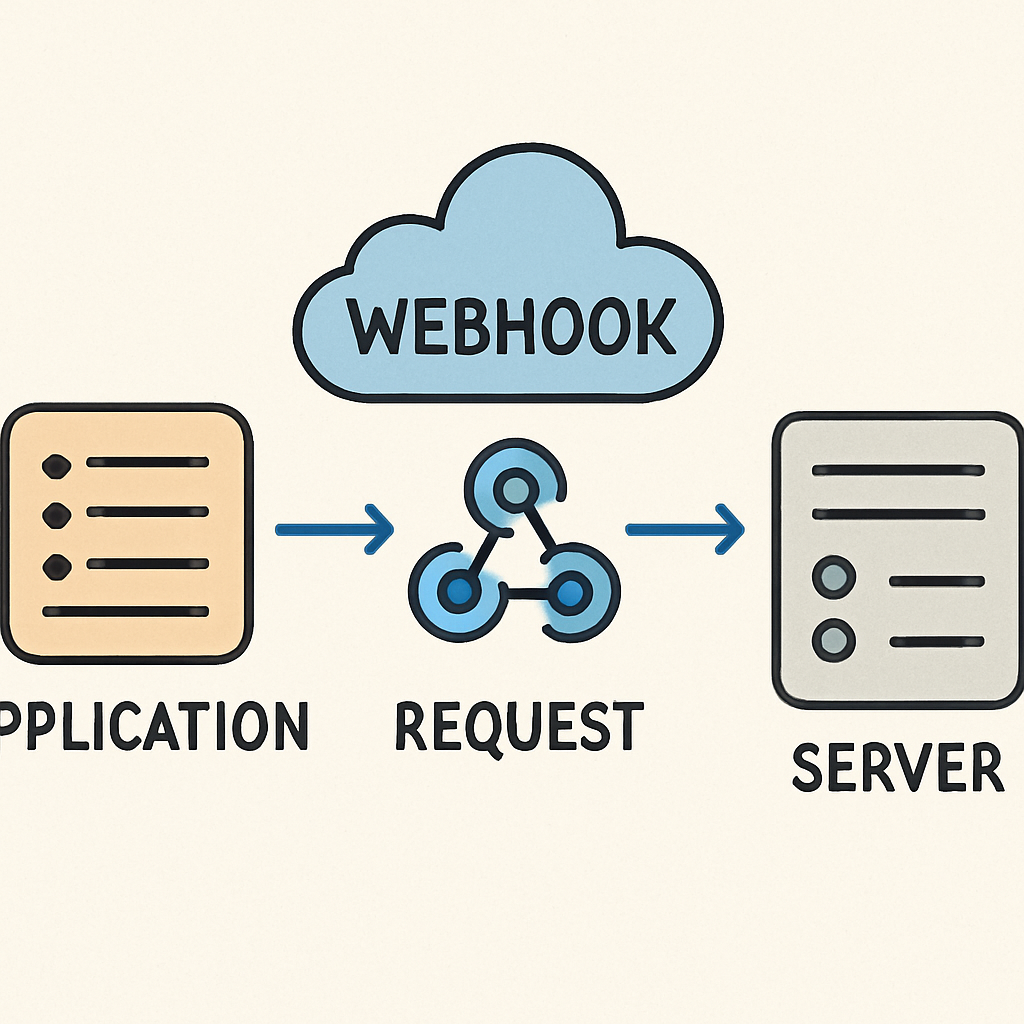
Webhooks push data between systems the moment something changes. A payment succeeds, a form gets submitted, or a deploy finishes. The receiving system gets notified right away. Traditional APIs require you to poll for updates. Webhooks flip that model and send data to you instead.
Good webhook management cuts down on failed deliveries and lost events. It adds retry logic, logging, and monitoring so you can trust that data arrives. Without these safeguards, a single dropped webhook can break a critical workflow.
Open source tools give you transparency. You can read the code, fix bugs yourself, and contribute improvements back. Active communities keep these projects reliable and up to date.
Key benefits of webhook management include:
- Real-time data synchronization.
- Increased automation and efficiency.
- Enhanced system integration and collaboration.
Key Features to Look for in Open Source Webhook Management Tools
Not every webhook tool fits every use case. The features you need depend on your traffic volume, security requirements, and team size. Choosing the wrong tool leads to bottlenecks and wasted effort.
Scalability matters most when traffic spikes. Your tool should handle bursts of webhook events without dropping any. Look for tools that queue events and process them in order.
Security is just as important. Tools with IP whitelisting and token-based authentication protect your endpoints from abuse. You should also look for signature verification to confirm that events come from trusted sources.
Key features to prioritize include:
- Scalability.
- Robust security features.
- Ease of integration.
- Active community support.
Top Open Source Webhook Management Solutions
The right tool can turn a fragile integration into a reliable pipeline. Open source options give you the flexibility to adapt and the freedom to self-host. Here are the top choices worth evaluating.
Hookdeck
Hookdeck stands out with its clean, intuitive interface. It makes managing webhook traffic simple, even for large teams. You can trace errors, monitor events, and connect to your existing tools with minimal setup.
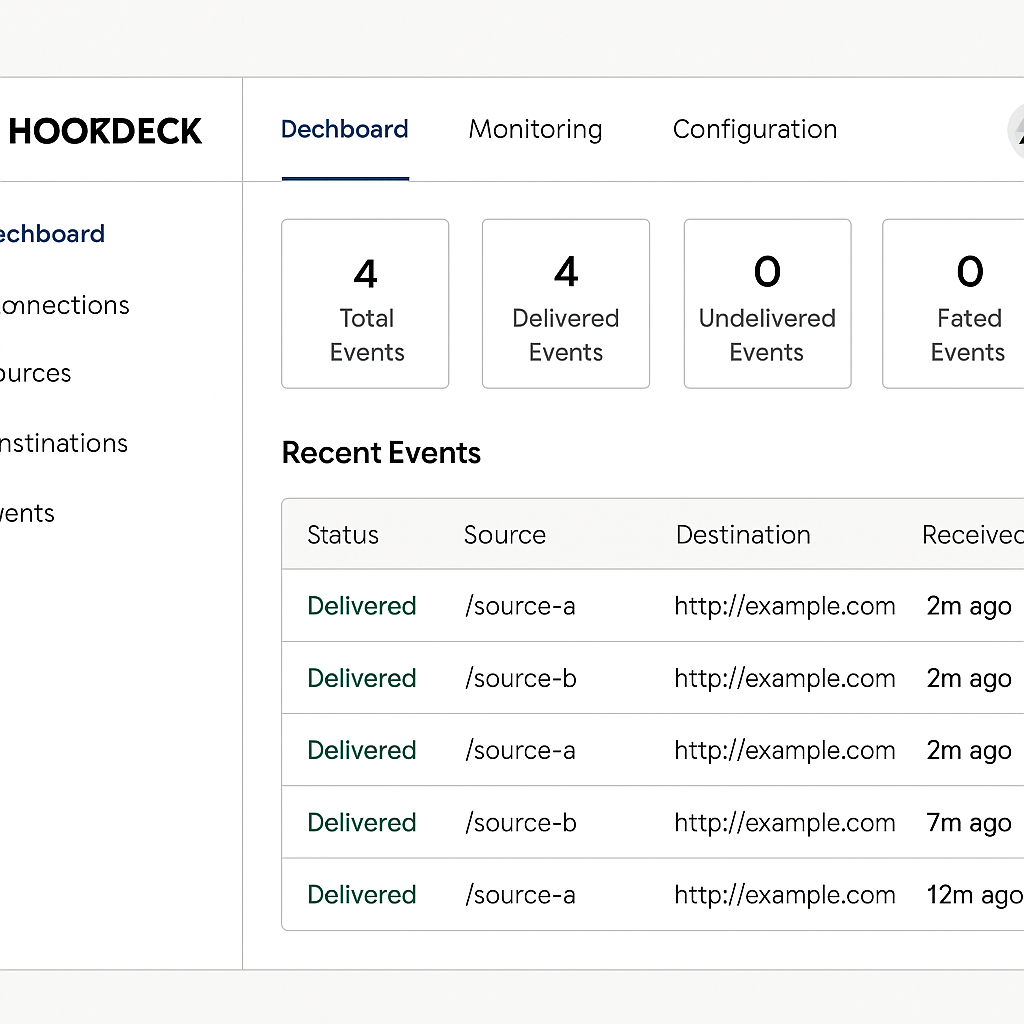
Hookdeck offers:
- Real-time monitoring.
- Easy error tracing.
- Integration with existing tools.
Pick Hookdeck if you want simplicity and strong support.
Svix
Svix gives you a full-featured webhook platform. It handles retries automatically and encrypts data end to end. Teams that need high reliability and strong security will find it a great fit.

Its features include:
- Customizable retry logic.
- End-to-end encryption.
- Scalable infrastructure.
Choose Svix when security and reliability are your top priorities.
Webhook Relay
Webhook Relay keeps things simple. It works well for smaller projects or quick deployments where you want to get started fast. Setup takes minutes, and the built-in analytics help you see what is happening.
Its key offerings are:
- Simple setup.
- Real-time analytics.
- Cost-effective plans.
Webhook Relay is a solid choice when you need speed and simplicity without heavy configuration.
Other Notable Tools
A few other tools deserve a look. Each one brings something different to the table.
Consider these options:
- Jitsu for comprehensive analytics.
- Dripline for event-driven architecture.
- Kinto for customization capabilities.
Explore these tools if you need specialized features beyond the main three.
Best Practices for Integrating Webhook Management Tools
A smooth integration starts with a plan. Review your current architecture first. Understand where webhooks fit in and which systems need to send or receive events.
Always test in a staging environment before going live. A staging test catches problems early and keeps your production system safe. Use automation to run these tests so you catch regressions quickly. For quick payload inspection during development, a free webhook testing tool can help you verify requests before deploying to staging.
Consider these best practices:
- Clearly define event triggers and endpoints.
- Ensure proper security measures (e.g., token authentication).
- Keep detailed logs for monitoring and debugging.
Following these practices makes your integrations more reliable and easier to troubleshoot.
Choosing the Right Solution for Your Team
The best webhook tool depends on what your team actually needs. Think about your current stack, your expected traffic, and how much time you can spend on setup. Weigh features against cost and ease of use.
Key considerations include:
- Ease of integration with current systems.
- Scalability to handle webhook traffic volumes.
- Community support and documentation quality.
Focus on these factors and you will find a tool that fits your team now and grows with you later.
Conclusion: Streamlining Integration and Collaboration
Open source webhook management tools improve how your team builds and connects systems. The right tool makes data flow reliable, cuts delays, and reduces manual work.
Good webhook management pays off quickly. Your team spends less time debugging failed deliveries and more time building features. Pick a tool from this guide, try it in staging, and see the difference for yourself.