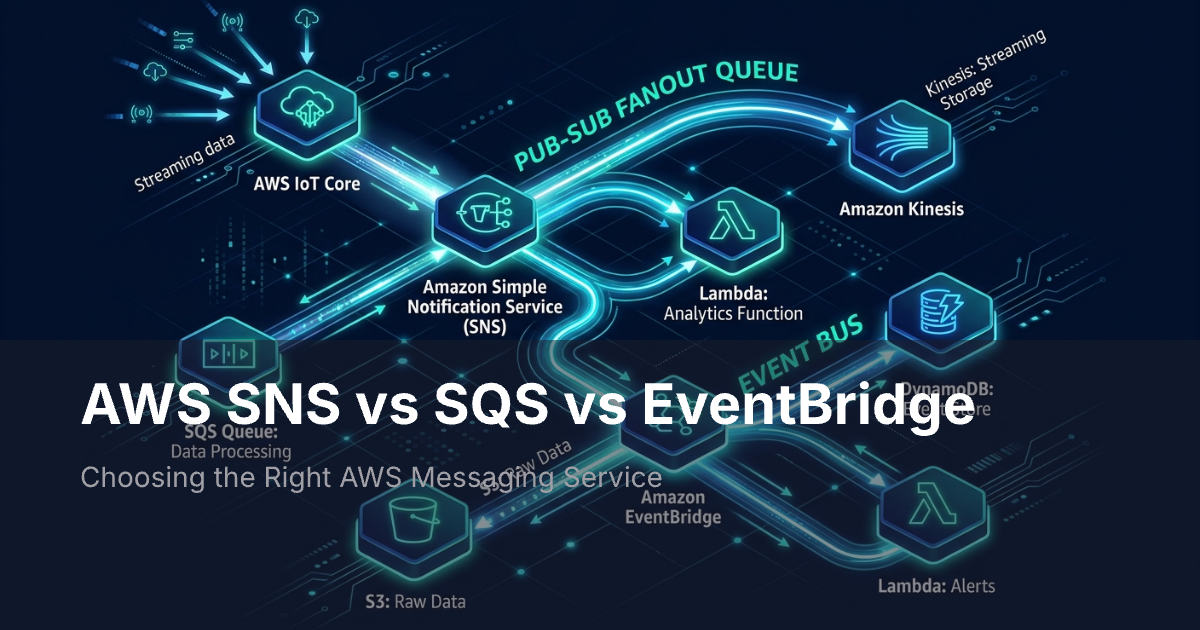
AWS SNS, SQS, and EventBridge are three messaging services that solve different problems: SNS broadcasts messages to many subscribers, SQS queues messages for async processing, and EventBridge routes events using content-based rules. Pick the right one based on whether you need fan-out, decoupling, or event routing.
AWS has many messaging services. Most teams only need to choose between three: SNS, SQS, and EventBridge. Each one handles a different pattern. Pick the wrong one and you fight your own code instead of building on it.
This guide covers how each service works, where it fits, and how they combine in real systems.
The Quick Answer
Here is a simple mental model:
- SNS is a megaphone. One message goes out to many targets at once (pub/sub).
- SQS is a mailbox. Messages wait in line until a worker picks them up (queue).
- EventBridge is a switchboard. Events come in, rules check them, and each one goes to the right place (event bus).
These three do not compete. They solve different problems. Most systems in production use two or three of them at once.
How Each Service Works
Amazon SNS: Pub/Sub Messaging
SNS stands for Simple Notification Service. It uses a pub/sub model. You send a message to a topic. SNS then pushes that message to every subscriber right away. Subscribers can be Lambda functions, SQS queues, HTTP endpoints, email addresses, or mobile devices.
The main trait of SNS is fan-out. One publish sends the message to all subscribers at once. SNS does not store messages. If a subscriber is down, SNS retries for a while. But the message does not sit and wait forever.
SNS also supports filtering. Each subscriber can set a filter policy on message attributes. This way, it only gets messages it cares about. You avoid writing filter logic downstream.
FIFO topics add strict ordering and exactly-once delivery. The trade-off is lower throughput.
Amazon SQS: Message Queuing
SQS stands for Simple Queue Service. It uses a pull model. A producer sends a message to the queue. The message sits there until a consumer pulls it out and processes it. Then the consumer deletes it.
The main trait of SQS is decoupling. Producer and consumer do not need to be online at the same time. If the consumer goes down, messages pile up. When the consumer comes back, it works through the backlog. This makes SQS great for traffic spikes, background jobs, and flaky services.
SQS has three key features:
- Visibility timeouts. A message hides while a consumer works on it. No other consumer can grab it.
- Dead-letter queues. Failed messages go to a separate queue. You can inspect them later.
- Long polling. Consumers wait for new messages instead of hitting an empty queue over and over.
FIFO queues add strict ordering and exactly-once delivery. Throughput drops to 300 messages per second (3,000 with batching).
Amazon EventBridge: Event Bus and Routing
EventBridge is a serverless event bus. Events flow in from AWS services, SaaS tools, or your own apps. You write rules that match event patterns. When a rule matches, the event goes to one or more targets.
The main trait of EventBridge is content-based routing. SNS filters on message attributes. EventBridge can match on any field in the event body. You can route by event type, source, account, region, or any custom field.
EventBridge also gives you:
- Schema discovery. It auto-detects the shape of your events.
- Archive and replay. Store events and re-process them later.
- Cross-account sharing. Send events between AWS accounts.
It works with over 30 AWS services as targets. It also has built-in connectors for SaaS tools like Salesforce, Zendesk, and PagerDuty.
Side-by-Side Comparison
| Feature | SNS | SQS | EventBridge |
|---|---|---|---|
| Delivery model | Push (pub/sub) | Pull (queue) | Push (event bus) |
| Pattern | One-to-many | One-to-one | Many-to-many |
| Message storage | No | Yes (up to 14 days) | No (archive optional) |
| Ordering | FIFO topics only | FIFO queues only | None |
| Delivery guarantee | At-least-once | At-least-once | At-least-once |
| Max message size | 256 KB | 256 KB | 256 KB |
| Filtering | Attribute-based | None (consumer-side) | Content-based rules |
| Fan-out | Built-in | Needs SNS | Via rules and targets |
| Retry method | Depends on protocol | Visibility timeout | Backoff with retry |
| Dead-letter queue | Yes | Yes | Yes |
| Third-party sources | No | No | Yes (SaaS tools) |
| Throughput | Near-unlimited | Near-unlimited | Soft limit per region |
| Price | $0.50/million publishes | $0.40/million requests | $1.00/million events |
When to Use Each Service
Use SNS When You Need Fan-Out
Pick SNS when one event must trigger many actions at once:
- An order comes in. Inventory, billing, and shipping all need to know.
- A deploy finishes. You want to update a dashboard, ping Slack, and run a smoke test.
- A user signs up. Several services need to set up resources.
SNS is also the go-to way to send SMS and mobile push from AWS.
Use SQS When You Need Reliable Async Processing
Pick SQS when you want to split a producer from a consumer and not lose messages:
- A web API takes orders and puts them in a queue. The API responds right away. A worker handles the rest.
- Users upload images. A resize worker can only handle 50 per minute. The queue buffers the rest.
- A payment service logs every transaction. A worker pulls them out and runs reports at its own speed.
SQS works best when the consumer is slower than the producer. It also helps when traffic spikes hit or when you need to retry failed work.
Use EventBridge When You Need Smart Routing
Pick EventBridge when events come from many sources and each one needs to go to a different place:
- You want to act on AWS events (EC2 state changes, S3 uploads, pipeline failures) without polling.
- SaaS events (Stripe payments, Zendesk tickets) need to start workflows in your AWS account.
- You are building an event-driven system where services fire events and others listen for certain patterns.
EventBridge also handles cross-account event sharing and event replay for debugging.
Common Patterns That Combine Them
These services work best together. Here are three patterns you see in real systems.
Pattern 1: SNS + SQS Fan-Out
This is the most common combo. SNS sends to many. SQS stores for each consumer.
Producer -> SNS Topic -> SQS Queue A -> Consumer A
                      -> SQS Queue B -> Consumer B
                      -> SQS Queue C -> Consumer C
Each consumer gets its own queue. Each processes at its own speed. Each has its own dead-letter queue. If Consumer B goes down, its messages pile up. Consumers A and C keep working.
Pattern 2: EventBridge + SQS Buffering
EventBridge routes events. SQS buffers them for workers.
AWS Events -> EventBridge -> Rule: EC2 changes  -> SQS -> Lambda
                          -> Rule: S3 uploads   -> SQS -> Step Functions
                          -> Rule: Pipeline fail -> SNS -> Email/Slack
This pattern works well when you react to AWS events and need reliable delivery.
Pattern 3: Full Pipeline with All Three
For larger systems, all three play a role.
SaaS Events  -> EventBridge -> Rule match -> SNS Topic -> SQS Queues -> Workers
App Events   ->                            -> Lambda (real-time)
AWS Events   ->                            -> Step Functions (workflows)
EventBridge handles intake and routing. SNS handles fan-out. SQS handles buffering and retry.
SNS vs SES: A Common Mix-Up
Teams new to AWS often confuse SNS with Amazon SES. They do different things:
- SNS sends notifications across many channels: SMS, mobile push, HTTP, SQS, Lambda, and basic email. Its email support is bare-bones. Use it for alerts, not customer emails.
- SES sends email at scale. It handles deliverability, bounce tracking, DKIM/SPF, and inbox placement.
Use SNS for multi-channel fan-out. Use SES for real email delivery. Most systems use both: SNS for routing and SES for the email leg.
The Gap: User-Facing Notifications
SNS, SQS, and EventBridge move data between services. They do not handle the last mile: telling your users what happened.
User notifications have different needs:
- Channel routing. Users pick their channels. Some want email. Others want push, SMS, or Slack. You must respect those choices.
- Preferences. Users want control over what they get and how. Building a preference system takes real effort.
- Tracking. Did the user see it? Did they click? AWS messaging does not track this.
- In-app UI. None of these services give you a bell icon, inbox, or toast component.
- Templates. Users expect branded messages with their name and details. Not raw JSON.
A solid notification system uses AWS messaging inside but adds a user layer on top.
How MagicBell Fits In
MagicBell handles the user-facing part. Your backend sends events through SNS, SQS, or EventBridge. MagicBell takes them via a webhook or API call and does the rest:
- Multi-channel delivery. Email, push, in-app, SMS, and Slack from one API call. MagicBell routes based on user preferences.
- Notification inbox. Drop-in React and React Native components. Your users get a notification center without you building one.
- Preference UI. Users control their settings through a ready-made interface. Your team skips building preference storage.
- Delivery tracking. See delivery, read, and click rates across all channels. Fall back to other channels when delivery fails.
Here is how it all fits:
Your Services -> SNS/SQS/EventBridge -> Your Backend -> MagicBell API -> Users
                 (service-to-service)   (logic)         (user delivery)
AWS messaging moves data between your services. MagicBell moves notifications to your users. Each layer does what it does best.
Making the Right Choice
Match the service to the pattern:
- One event, many consumers -- use SNS.
- Reliable async processing -- use SQS.
- Content-based routing -- use EventBridge.
- User-facing notifications -- add MagicBell.
Most teams start with SNS + SQS. They add EventBridge for smart routing. They add a notification platform when users need to see and act on events across channels.
These services work together, not against each other. Pick the right one for each layer and they fit cleanly.