
Over 200,000 paid organizations use Slack — including 77% of Fortune 100 companies. This instant messaging and collaboration app is great for staying up-to-date wherever you go.
There's just one little problem: Slack is mostly for communication. Employees have to hop between multiple tools to act on feedback or comments from Slack, which complicates workflows and wastes time.
Fortunately, Slack integrations can reduce the need to flip between apps. With over 2,600 apps in the Slack Marketplace, these integrations are simple to set up and can easily save time. The latest wave of integrations also brings AI-powered features — from meeting summaries to workflow automation — making Slack smarter than ever.
There are thousands of Slack integrations available, but these ten options are some of the best for streamlining your workflows in 2026.
10 Best Slack Integrations for Busy Teams
1. MagicBell
MagicBell
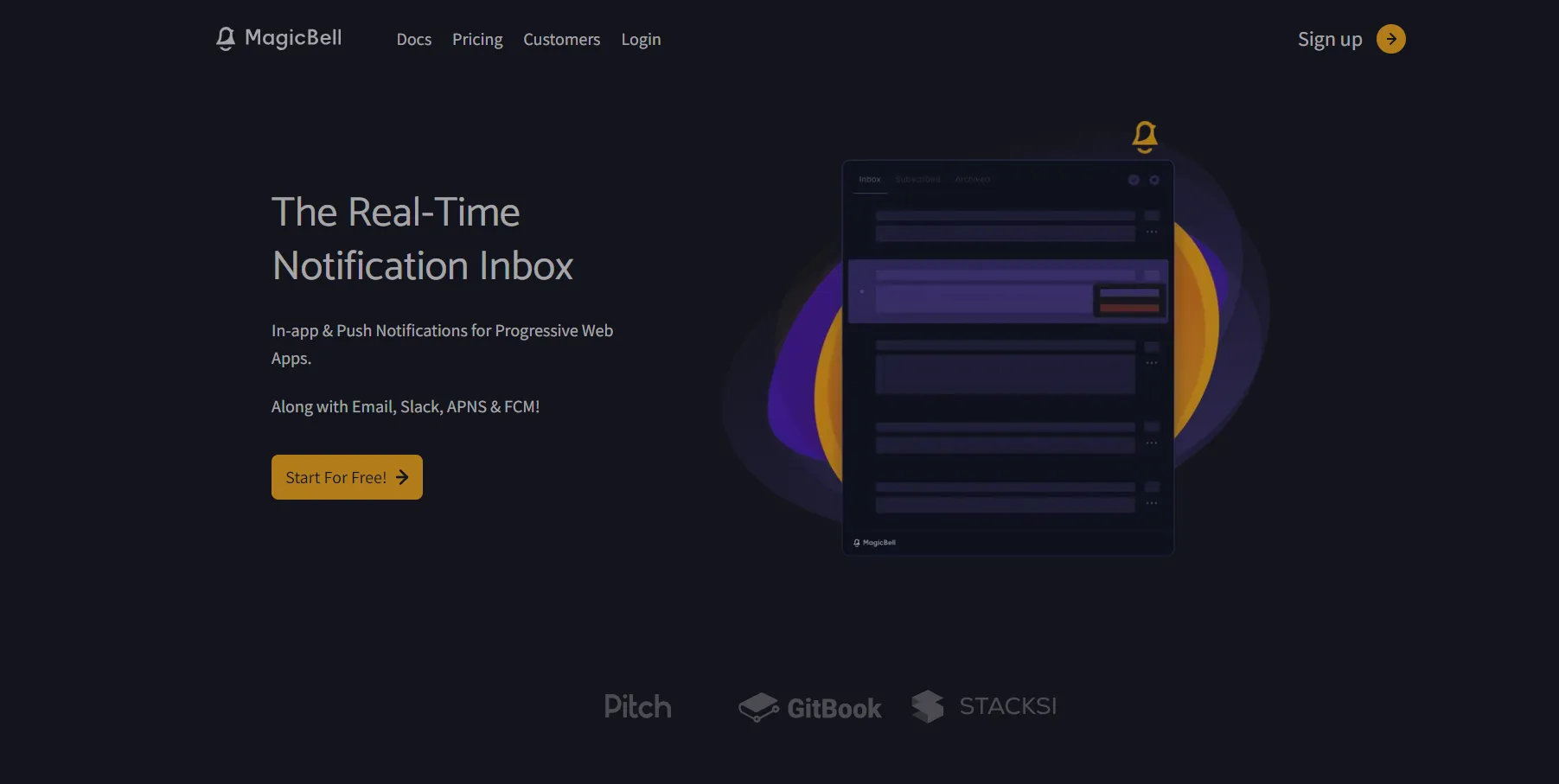
MagicBell is a real-time notification inbox that makes it possible to send notifications to your users via Slack. Installing a MagicBell Slack app into your Slack workspace(s) is quick and easy. With just a few clicks, you can communicate with all your users across multiple workspaces in Slack — without building a notification system from scratch. MagicBell also offers pre-built notification workflows for services like GitHub and Stripe that can send notifications directly to Slack.
2. Google Drive
Google Drive
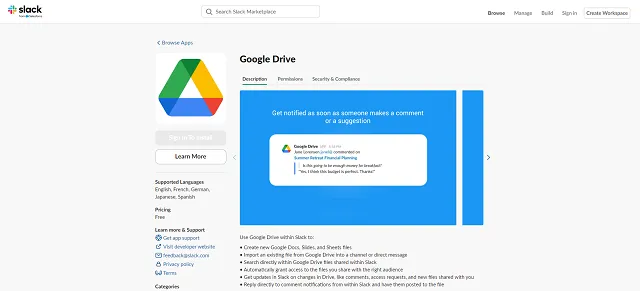
Quickly create new Docs, Slides, and Sheets files without even exiting Slack. The Google Drive Slack integration makes Drive available from within Slack, allowing employees to search for Drive files, get updates on access requests, and reply to document comments directly from Slack threads. The integration also manages file permissions automatically when you share Drive links in channels.
3. Google Calendar
Google Calendar
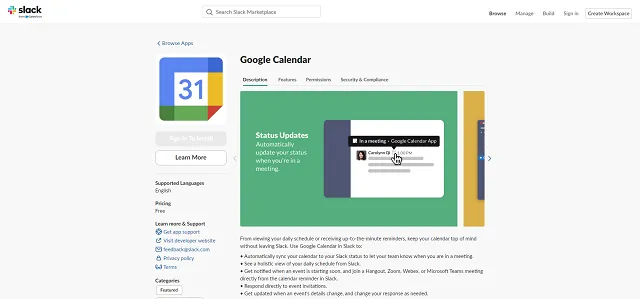
The Google Calendar Slack integration syncs your team's calendars to Slack. Instead of receiving dozens of pings during an important meeting, Slack automatically updates your status to let everyone know you're busy. The integration sends daily schedule rundowns, quick reminders about upcoming meetings with one-click join buttons, and lets you create events with the /gcal create slash command — all without leaving Slack.
4. Zoom
Zoom
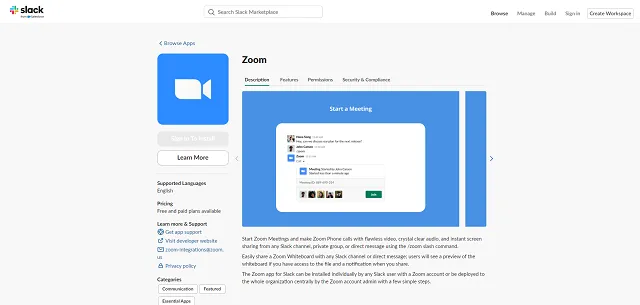
Slack is great for text-based communication, but your team needs a little face time, too. Add the Zoom Slack integration to start Zoom meetings or phone calls from within Slack. In 2025, the integration gained AI-powered meeting summaries that are automatically posted to Slack after meetings end, along with smart channel creation that sets up a private Slack channel for each meeting with attendees, recordings, and transcripts. You can also share Zoom Whiteboards and make Zoom Phone calls directly from any channel.
5. Zapier
Zapier
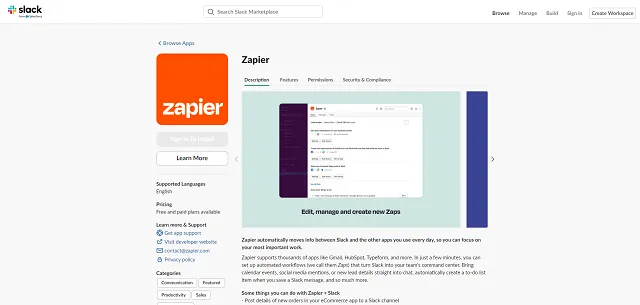
Zapier connects over 7,000 apps and is the go-to third-party automation tool for Slack. With the addition of Zapier Copilot — an AI assistant that builds workflows from plain English descriptions — creating complex automations is easier than ever. You can do just about anything with this integration, including:
- Posting new order or customer details in a designated Slack channel.
- Moving tasks from Slack and into your project management tool.
- Pushing form responses to a Slack channel.
- Pausing workflows for human approval directly in Slack with the new "Request Approval" action.
6. Asana
Asana
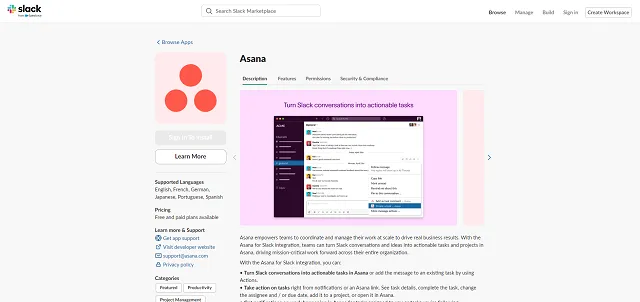
Asana is a popular cloud-based project management tool. If you use both tools, this integration cuts down on the tedium of converting Slack messages into Asana tasks. View task details within Slack, receive notifications on task changes, and automate workflows with Asana Rules. The integration now includes Asana AI, which can summarize tasks and answer questions about project status directly within Slack channels.
7. Notion

Notion
Notion is an all-in-one workspace for docs, wikis, and project management. The Slack integration lets you turn Slack messages into Notion database items — perfect for capturing bug reports, feature requests, or meeting notes. Notion AI can index your public Slack channels and answer questions based on conversation history, and link previews generate AI-powered summaries so you can understand shared pages at a glance. With custom AI agents launched in early 2026, Notion has become one of the most powerful knowledge management companions for Slack.
8. Figma
Figma
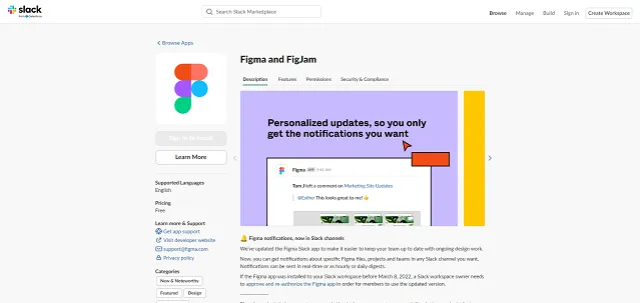
Receive messages about files, comments, and more with the Figma Slack integration. Reply to Figma and FigJam comments directly from Slack without opening the design tool. If your team struggles to keep up with Figma email notifications, configure the integration to push updates in real-time, hourly, or as comprehensive daily digests to match your team's workflow.
9. HubSpot
HubSpot
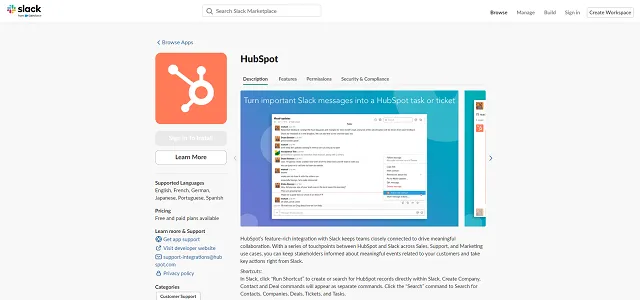
Originally built as a customer relationship management (CRM) tool, HubSpot offers a little bit of everything. With this integration, you can bring HubSpot's immense data into Slack, making it easier to find tickets, search your knowledge base, look up contact information, and more. HubSpot's AI Customer Agent now supports Slack as a conversation channel, and you can associate Slack channels with specific deals or companies for better team visibility.
10. Adobe Express
Adobe Express
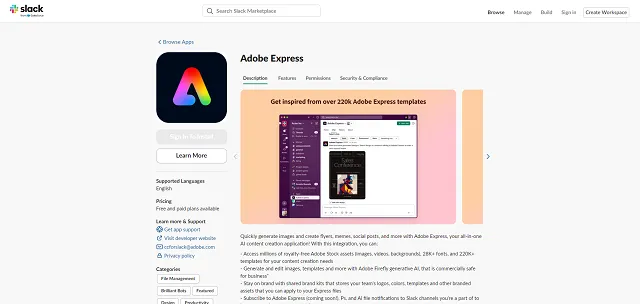
Who has time to log into Adobe Express's graphic design portal? With this Slack integration, you can bring Express's features to Slack. Generate images, create social media graphics, and design marketing assets using Adobe Firefly's generative AI — all without leaving your workspace. It also connects to Adobe Stock, fonts, and templates to speed up the creative process.
Boost Productivity With Smart Integrations
Slack integrations are a huge time-saver. The right mix of integrations reduces the need to flip between separate platforms, bringing all of your work into one place.
MagicBell's plug-and-play solution makes it a cinch to create an all-in-one messaging inbox that combines Slack messages, emails, app notifications, and more.
Frequently Asked Questions
Do Slack integrations cost extra?
Technically, no. Most Slack integrations are free, but you may have to pay for the third-party app you're integrating into Slack. Some apps require you to have a premium or upgraded subscription to access integrations, so check their pricing details for more information. As of June 2025, all paid Slack plans include access to AI features and AI agent integrations.
How many integrations can I add to my Slack workspace?
It depends on your Slack plan. Accounts with a free plan can add up to 10 integrations, while paid Slack plans allow unlimited integrations.
Do integrations slow down Slack?
They shouldn't. Slack is designed to handle plenty of integrations. However, the quality of the third-party app can affect performance. If the third-party app is slow or unstable, it could slow down Slack. Always keep an eye on performance after integration to make sure the third-party app isn't causing problems.