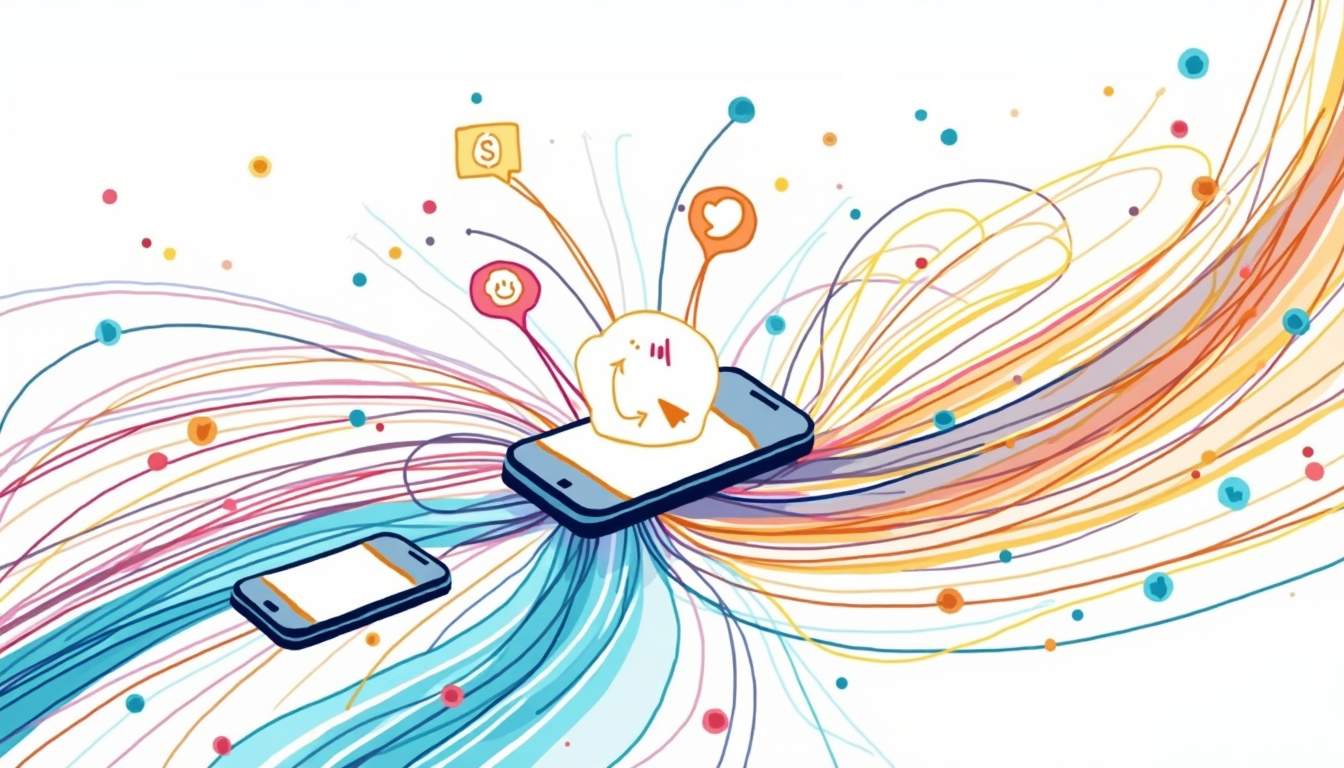
Real-time notifications are instant messages sent to users right when something happens in an app. They boost engagement by driving quick action, building trust with timely updates, and keeping users coming back to web and mobile apps.
This article covers how real-time alerts work. It explains why they matter and shares tips for using them well.
Understanding Real-Time Notifications
What Are Real-Time Notifications?
Real-time alerts tell users about key updates right away. They are not batched or delayed. They show up the moment something happens. Users see them as push alerts on phones and desktops, in-app pop-ups, or text messages.
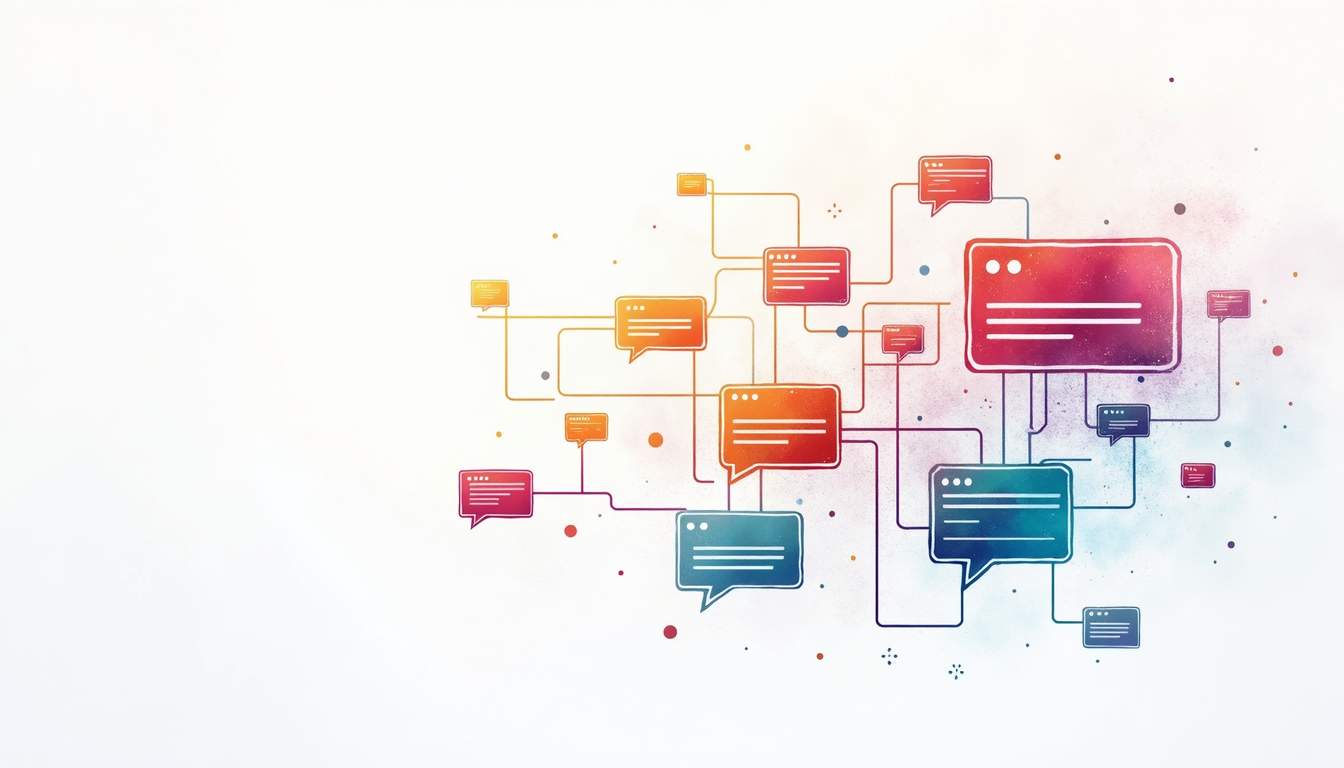 A social media app might ping a user when someone likes their post. A shopping site could alert a buyer when a cart item goes on sale. These quick messages keep users in the loop and push them to act fast.
They also matter in finance and health care. Stock price alerts help traders act quickly. Drug reminders and vital sign alerts keep patients safe.
The Technology Behind Real-Time Notifications
Sending alerts in real time needs a solid backend. Tools like WebSockets, server-sent events (SSE), and push services make this work.
WebSockets keep a live link between the client and server. Data flows both ways at all times. The server can send an alert right when an event happens. It does not wait for the client to ask. Push services from Apple, Google, and Microsoft send alerts to devices even when the app is closed.
Cloud hosting has also changed how alerts get sent. It scales up to handle big traffic spikes, like during a sale. This keeps alerts moving fast and stops system crashes.
The Impact of Real-Time Notifications on User Engagement
Driving Quick User Action
Real-time alerts push users to act fast. When a user gets a timely note about a new message or deal, they open the app sooner. This turns passive users into active ones.
 A news app that sends live breaking news alerts can pull readers in as events unfold. A game can tell players about short-lived tasks to boost play time. These alerts create urgency. When users think a deal will end soon, they act faster.
Making Alerts Personal and Relevant
Real-time alerts can match what each user likes and does. By looking at user data, apps can send notes that fit each person.
These might include task reminders, friend updates, or picks based on past use. This builds joy and a bond with the product. Users who get the right alerts feel seen. Over time, this builds loyalty.
Building Trust and Openness
Live updates about key events build trust. Order tracking alerts that show status at each step ease worry and calm nerves.
Finance apps that warn users about odd activity show they care about safety. This trust leads to more loyal users. Steady, clear alerts also boost a brand's name. In a world of data leaks, a safe alert channel helps users feel at ease. Users who feel safe use the product more.
Better User Experience Through Smart Alert Design
Balancing How Often and How Useful
Real-time alerts help, but too many cause fatigue. Users may turn off alerts or leave the app. The right mix of how often and how useful is key.
Each alert should matter. Skip the trivial ones. Let users pick which alerts they want. This cuts down on stress and gives them control.
Timing and Context
Timing matters a lot. Send alerts when users can act on them, like during breaks or after work. Badly timed alerts get ignored or cause annoyance.
Context helps too. A fitness app might hold off on a workout nudge if the user is driving. This means alerts land when users are ready.
Clear and Short Messages
Alert text should be clear at a glance. Good wording helps users see the point fast. Use short text, clear calls to act, and useful images.
For example, "You have a new message" is vague. "John sent you a photo" works better. It makes users want to open the app.
Case Studies: Real-Time Notifications in Action
Social Media Platforms
Social media apps are great at real-time alerts. Apps like Instagram and Twitter send instant notes about likes, comments, tags, and DMs. This pulls users back and gets them talking.
These alerts create a lively space. Users feel linked to their friends at all times. The fast updates also help apps keep daily use high.
E-Commerce and Retail
Online shops use real-time alerts to drive sales. Flash sale notes, price drop alerts, and custom picks lure shoppers in. Shipment tracking keeps buyers in the loop and cuts down on support calls. Logistics and supply chain tools lean hard on real-time alerts for carrier updates, ETAs, and issue flags.
Real-time alerts in marketing and support help online stores boost sales. They also build closer ties with buyers.
Financial Services
In finance, real-time alerts are vital for safety and trust. Banks and payment apps send instant notes for buys, account changes, and odd activity. These help users watch their money and act fast.
Live market and stock price alerts let users make smart choices quickly. This makes their time on the app better.
Future Trends in Real-Time Notifications
AI and Machine Learning
AI will make real-time alerts smarter. It can scan user data to predict what users need. The result is alerts that feel natural and well-timed.
For example, AI could spot when a user might forget a task and send a nudge. It could also suggest content based on recent habits. This will make alerts even more useful.
Cross-Platform Experiences
Users reach brands on many devices. Real-time alerts will grow to offer smooth, linked-up experiences. On a phone, laptop, watch, or smart speaker, alerts will fit each device.
This approach keeps info steady and useful no matter where the user is. It makes things simpler and more engaging.
Privacy and Ethics
More real-time alerts means more duty to protect users. The future will focus on clear data rules, user consent, and fair use of personal info.
The balance between custom alerts and privacy will shape long-term trust.
Conclusion
Real-time alerts are key for boosting user engagement. Timely, useful notes drive action, build trust, and form deeper links between users and brands.
 But this power must be used with care. The right mix of timing, pace, and wording prevents fatigue. As tech grows, AI, multi-channel delivery, and privacy-first design will shape how alerts evolve.
Done well, real-time alerts change how users engage with digital products. They drive action and create better experiences.
Take Your User Engagement to the Next Level with MagicBell
Want to lift your platform with real-time alerts? MagicBell is the complete inbox for web and mobile apps. It brings email, web-push, Slack, and mobile push into one place. Our easy API and React SDK let you start in minutes. Sign up for MagicBell free today and see how multi-channel alerts boost engagement.