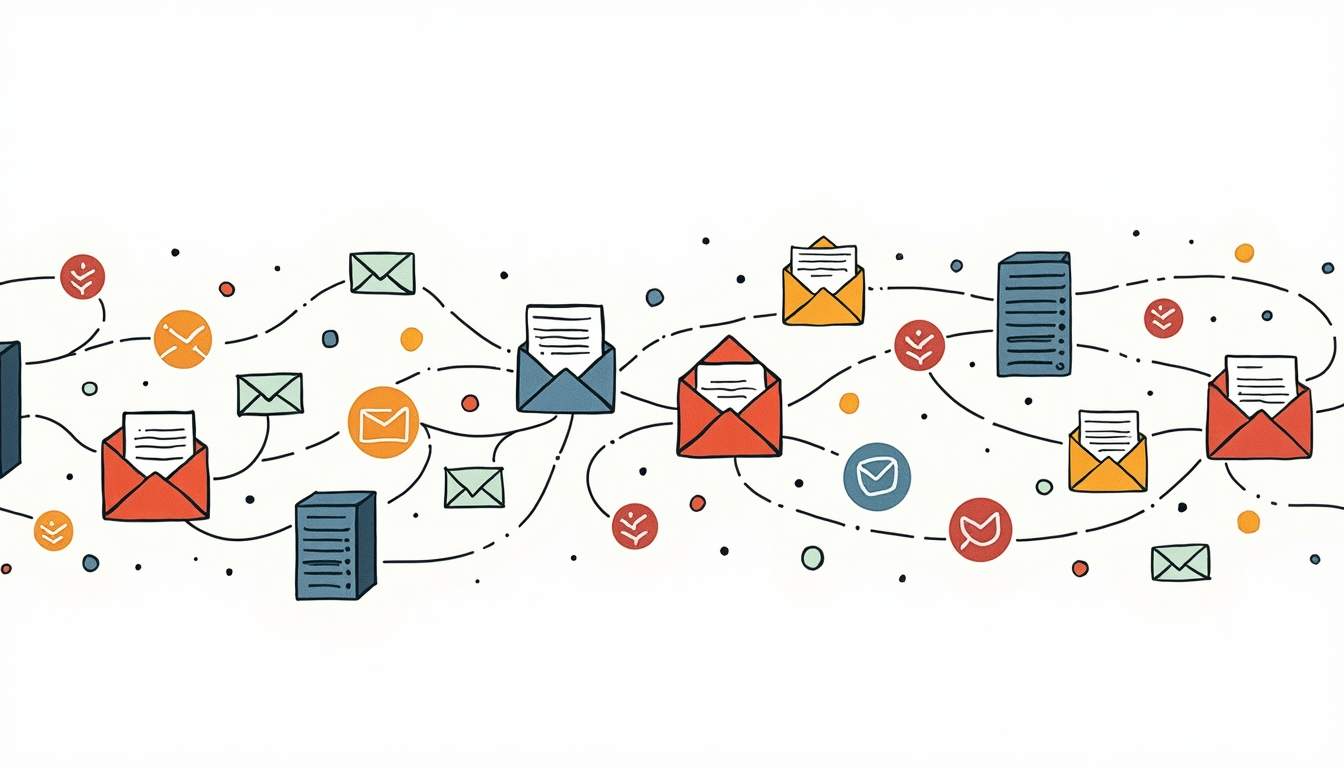
Mailgun is an email delivery service built for developers. It gives you APIs to send, receive, and track emails at scale. Mailgun handles both triggered emails and bulk campaigns, and it offers tools for analytics, email checks, and inbox placement so your emails land where they should.
Picture sending thousands of emails every day. You never worry about whether they land in the inbox or the spam folder. That is what Mailgun does. It is an email service built for developers and businesses that need reliable, fast email at scale.
What Mailgun Does: More Than Just Email
Mailgun is not like Gmail or Yahoo. It is a platform that helps apps send, receive, and track emails at scale. If you run an online store sending order updates or a newsletter that reaches thousands of readers, Mailgun does the hard work for you.
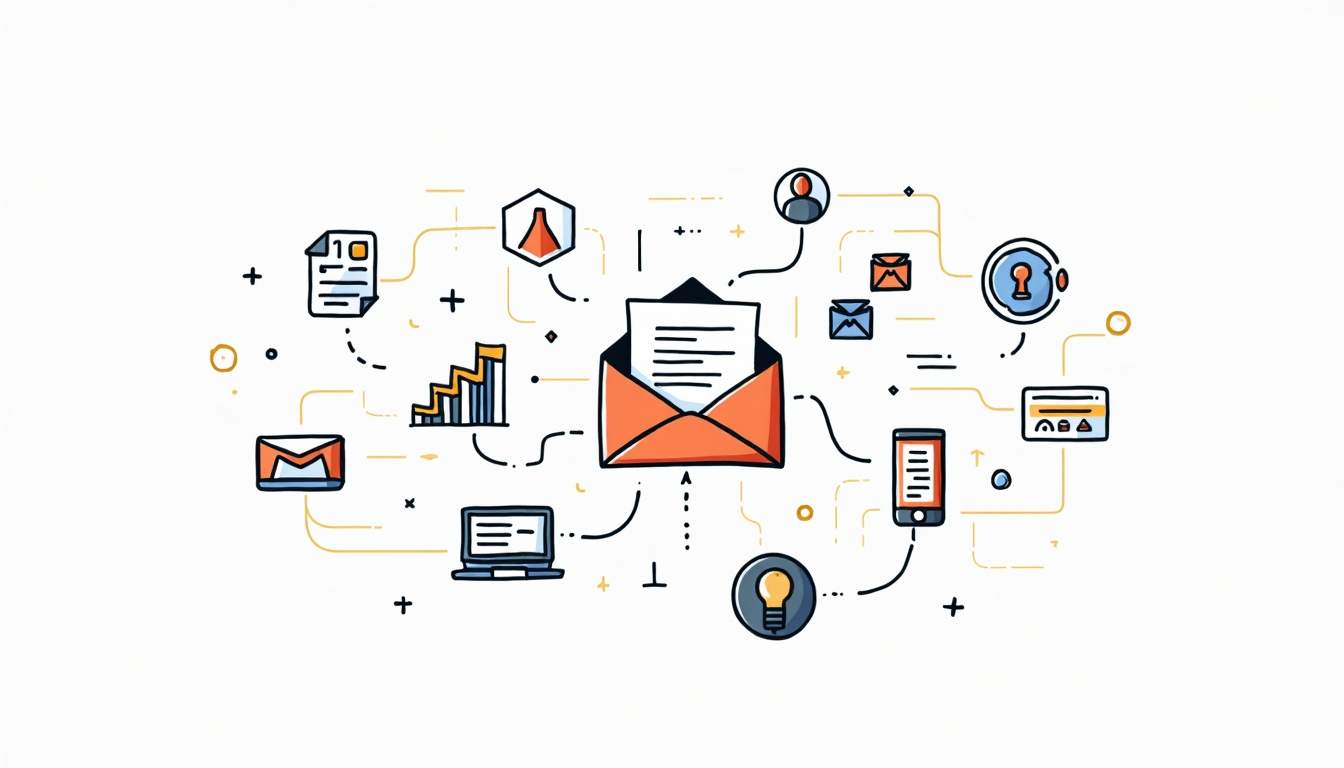
At its core, Mailgun has an API that developers add to their code. This API sends triggered emails like password resets or purchase receipts. It also sends bulk emails for campaigns. The focus is on getting emails into inboxes, not spam folders.
Mailgun has a strong analytics dashboard too. It shows live data on how emails perform. You can track open rates, click rates, and bounce rates. This helps you refine your email plan with real numbers. The logs let developers spot and fix problems fast.
Mailgun also has tools like email checking and A/B testing. Email checking makes sure addresses on your list are real and active. This lowers bounce rates and guards your sender score. A/B testing lets you try different subject lines, layouts, and send times. You find what works best for your readers. These tools help you run better campaigns and build closer ties with your users.
Key Features That Make Mailgun Stand Out
Powerful Email API
The core of Mailgun is its REST API. It lets developers send emails from code. You can set up emails to send based on user actions, events, or a set time. The API handles custom messages, file uploads, and batch sends.

The API can also check email addresses, read incoming emails, and manage mailing lists. This makes Mailgun a one-stop tool for all email needs. You can add it to any app, from a basic newsletter to a large email system. Clear docs and SDKs for many coding languages speed up the setup. Developers can focus on the user experience rather than email plumbing.
Getting Emails to the Inbox
One of the hardest parts of email marketing is making sure emails land in inboxes. Mailgun puts a lot of work into keeping inbox rates high. It uses its own IP addresses and domain proof tools like SPF, DKIM, and DMARC. Live tracking keeps your sender score strong.
Mailgun gives you data on how emails do. You can see open rates, clicks, bounces, and spam reports. This helps you improve campaigns and cut inbox issues. A/B testing lets you try new subject lines and content. Mailgun also tracks reader actions over time so you can fine-tune your plan.
Inbound Email Routing and Parsing
Mailgun does more than send emails. It can also receive and read incoming emails. This helps apps that need two-way email, such as support ticket tools or contact forms. Mailgun routes incoming emails to your servers, reads the content, and starts tasks based on the message.
Developers can pull out key data from incoming emails. For example, they can grab order details or user questions. That data can trigger replies or update records. This helps you speed up support and handle requests without doing it by hand.
Scaling and Uptime
Whether you send a few hundred emails or millions, Mailgun grows with you. Its cloud setup is built to stay online. Your emails go out on time with no downtime. This matters for teams that count on email as a main channel.
Mailgun also handles sudden bursts of email. Campaigns sent during peak times, like holiday sales or product launches, run fine. The system uses load sharing and backups. Mailgun also encrypts data and follows rules like GDPR. This gives teams peace of mind with sensitive data.
How Mailgun Works: A Simple Breakdown
At a glance, Mailgun works in a few steps:
- Setup: Developers add Mailgun's API to their app or use SMTP to link existing email tools.
- Sending: Emails are built and sent through the API. You can add custom fields and file uploads.
- Routing: Mailgun sends the emails through its servers. It runs checks for proof of identity and spam.
- Delivery: Emails land in inboxes. Mailgun tracks whether each email was delivered.
- Feedback: Live analytics and delivery tracking show you opens, clicks, bounces, and reports.
This flow lets you automate email without hands-on work. It saves time and cuts errors.
Setting Up Mailgun: What You Need to Know
Signing Up and Domain Proof
To start, sign up for a Mailgun account. Then add and verify your sending domain. This means updating DNS records (SPF, DKIM, and sometimes MX records) to prove you own the domain and boost inbox rates.
Domain proof matters. It tells email providers that Mailgun can send emails for you. Without it, your emails may get marked as spam or blocked.
Shared vs. Dedicated IPs
Mailgun offers shared and dedicated IP addresses. Shared IPs are used by many users. They work well for low to mid volume sends. Dedicated IPs give you your own address. This helps if you send a lot or want full control over your sender score.
The right setup depends on your volume and inbox goals. Dedicated IPs need a warm-up phase. You slowly raise your send volume to build a good name with ISPs.
Adding Mailgun to Your App
Mailgun has several ways to connect:
- REST API: The most flexible choice. Send, receive, and track emails from code.
- SMTP Relay: Works with existing email tools and servers. It needs few code changes.
- Webhook Alerts: Get live updates on email events like sends, bounces, and reports.
SDKs are ready for Python, Ruby, PHP, and Node.js. This makes setup fast and easy.
Use Cases: Who Benefits from Mailgun?
Startups and Small Teams
For startups, Mailgun is a low-cost way to send triggered emails. You do not need to build your own system. It takes care of SMTP servers and gets emails to users on time. Small teams also like the data tools that help improve their email plans.
Large Companies and Online Stores
Big companies with huge email needs rely on Mailgun for scale and dedicated IPs. Online stores use it to send order updates, shipping notices, and promos. Being able to track results and manage inbox rates at scale is a major plus.
Developers and SaaS Teams
Developers building SaaS apps use Mailgun for user alerts, password resets, and welcome emails. The API-first design fits modern dev workflows. It allows easy setup and full control.
Pricing: What Does Mailgun Cost?
Mailgun uses a tiered model based on emails sent per month. A free tier gives you a small number of emails. It works well for testing or low-volume needs. Paid plans add features like dedicated IPs, higher limits, and deeper data tools.
Pricing is clear. Mailgun lists costs per thousand emails past the free quota. This helps you plan your email spend with no surprises.
How Mailgun Compares to Rivals
Mailgun goes up against email services like SendGrid, Amazon SES, and Postmark. Each has its edge:
- SendGrid: Known for marketing email tools and a friendly UI.
- Amazon SES pricing and setup guide: Very cheap but needs more setup and AWS know-how.
- Postmark: Focused on triggered emails with fast sends and simple pricing.
Mailgun stands out for its dev-friendly API, strong inbox focus, and broad feature set. The best pick depends on your volume, ease of use, and budget.
Tips to Get More from Mailgun
Set Up Domain Proof
Skipping domain proof is a common mistake. It hurts inbox rates. Make sure SPF, DKIM, and DMARC records are set up and verified in Mailgun's dashboard.
Watch Your Email Metrics
Use Mailgun's data tools to track opens, clicks, bounces, and reports. Spotting trends early helps you change content or send timing to boost results.
Warm Up Dedicated IPs
If you pick a dedicated IP, warm it up step by step. Raise your send volume over days or weeks. This builds a good sender name and avoids blocklists.
Keep Your Lists Clean
Remove old or bad email addresses often. Mailgun's email check API helps you keep your list fresh and cut bounce rates.
Final Thoughts
Mailgun is a strong and flexible email delivery service. It is built for developers and teams that need solid email at scale. Its API, inbox focus, and cloud setup make it a top pick for triggered and bulk emails alike.

Whether you are launching a new app, running an online store, or growing a reader base, Mailgun keeps your emails flowing into inboxes worldwide.
Boost Your Email Plan with MagicBell
Mailgun gets your emails into inboxes. MagicBell takes user engagement further. MagicBell is the full notification inbox for your web and mobile apps. It works with your current setup. Whether through email, web-push, Slack, or mobile push, our platform helps you connect with users better. With our live notification system and simple API, you can enrich your app's reach in just 5 minutes. Ready to level up your notification plan? Sign up for free and try MagicBell today.